Is Your Wi-Fi Safe? A Simple Home Network Security Checklist
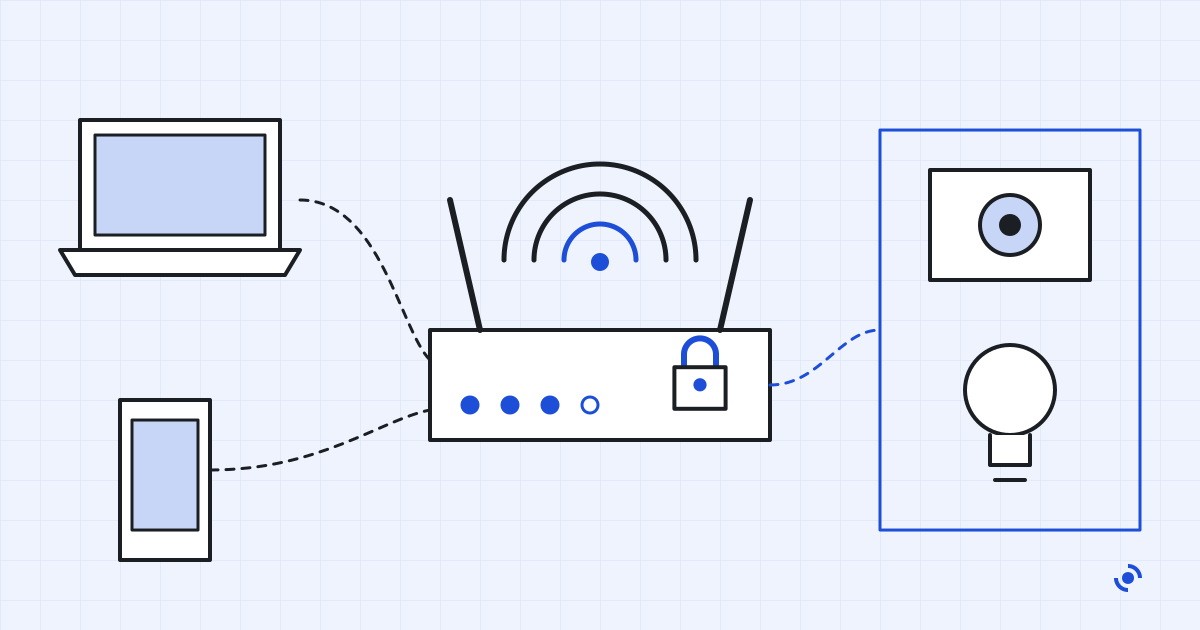
A 20-minute checklist for your home router: WPA3, admin password, WPS, remote management, updates, a separate network for smart devices, and when to replace it.
We compare the specs, the pricing and the policies, read the reviews that check out, and keep each guide updated. Then we tell you whether you need the product at all.
A 20-minute checklist for your home router: WPA3, admin password, WPS, remote management, updates, a separate network for smart devices, and when to replace it.
VPNs, antivirus, password managers and the settings that actually keep your accounts and devices safe.
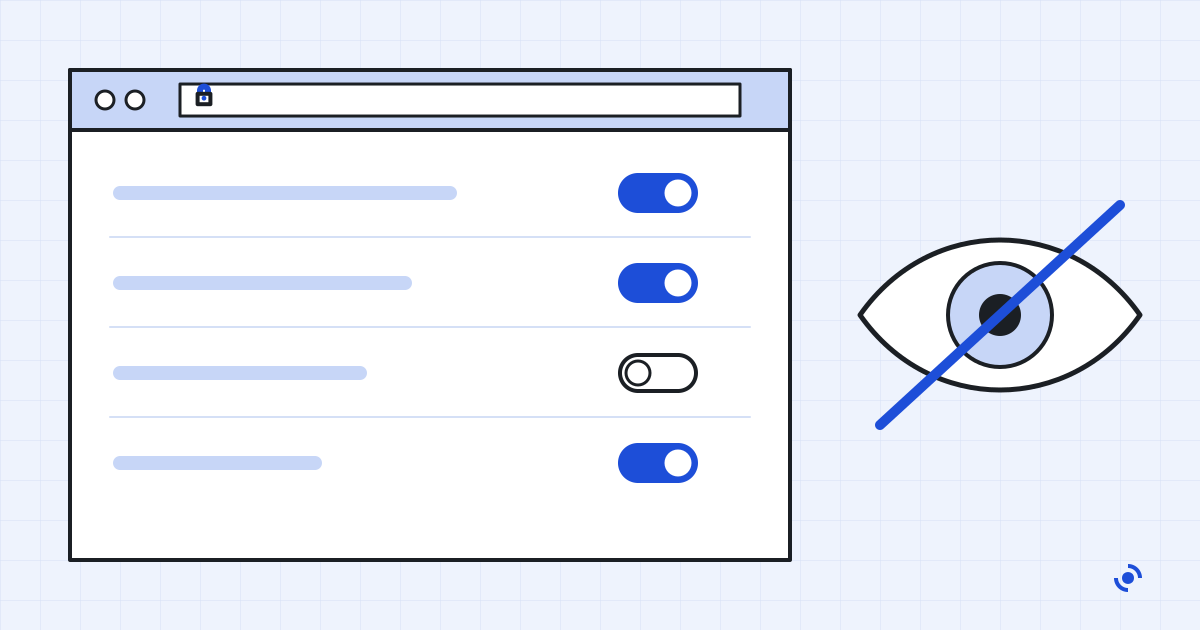
All 5 Security & Privacy guidesThe privacy settings worth changing in Chrome, Safari, Firefox and Edge, where to find them, and which popular ones, like Do Not Track, no longer do anything.
Free antivirus now blocks almost as much as paid suites. What the money buys is extras and support, and the renewal price decides whether that's a good deal.
Lab scores, slowdown, false alarms, phishing and ransomware protection, updates and renewal prices: seven things to check before you install an antivirus.
How a password manager keeps your logins private, what the LastPass breach taught us, and which to pick: Bitwarden, 1Password, Proton Pass or a built-in one.
A VPN hides your traffic from the network you're on, not from the internet at large. What it protects, what it doesn't, and when paying for one is worth it.
Apps and settings for iPhone and Android, explained without the jargon.
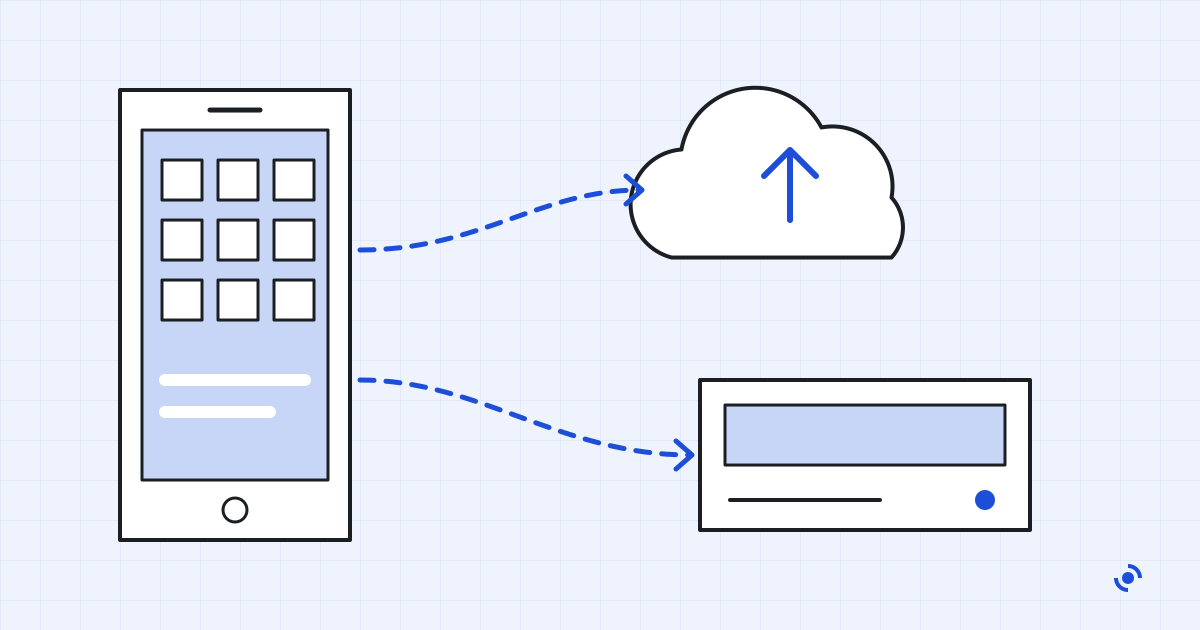
All 1 Mobile Apps guidesiCloud and Google backups skip more than you'd think. How to back up an iPhone or Android phone properly, including photos, chats and account recovery.
Short, practical walkthroughs for everyday software tasks.
All 2 How-to guidesA 20-minute checklist for your home router: WPA3, admin password, WPS, remote management, updates, a separate network for smart devices, and when to replace it.
Ten fixes for a slow Windows PC, in the order worth trying: restart, updates, startup apps, disk space, browser tabs, malware, and when to reset or upgrade.
Every guide on this site follows the same comparison process: public specs, current pricing, published policies and reviews we can verify, not marketing copy or a vendor's own claims.
Read the full method