Free vs Paid Antivirus: What You Really Get
Free antivirus now blocks almost as much as paid suites. What the money buys is extras and support, and the renewal price decides whether that's a good deal.
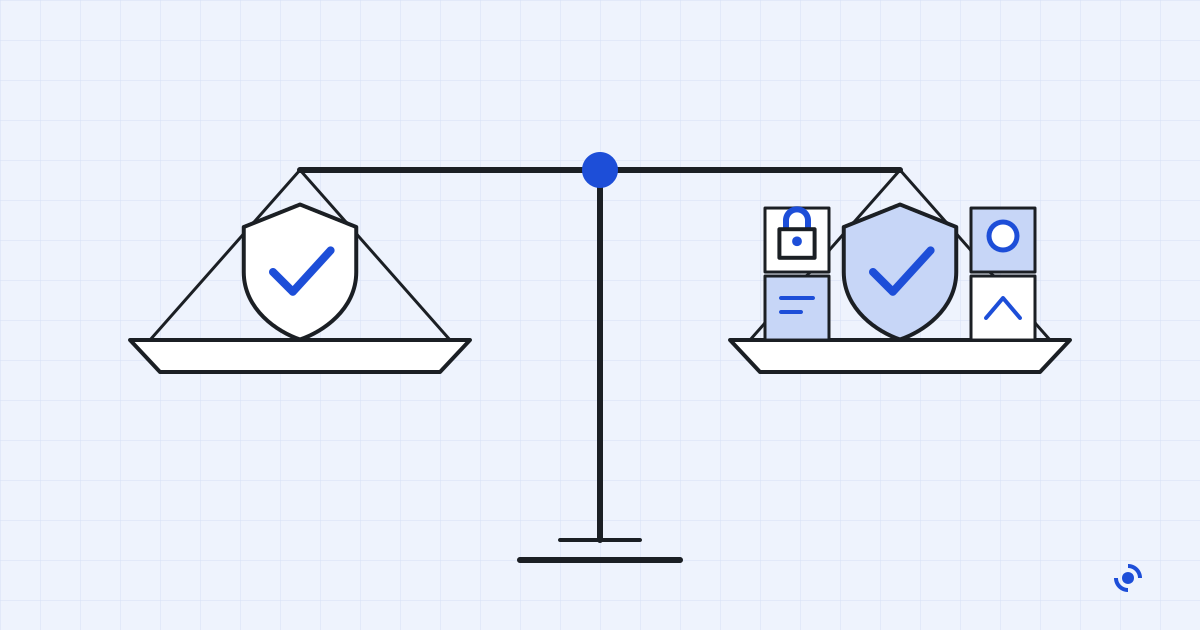
Free antivirus still has a reputation as the budget option, good enough for old viruses and weaker against anything new. The latest lab results don't support that. Free products now catch almost exactly what paid ones do, so the real question is what the rest of the subscription is worth to you.
The protection gap has almost closed
Independent labs test free and paid products side by side, and the results for 2026 are close enough to surprise anyone still paying for a scanner alone.
In AV-Comparatives' February to May 2026 Real-World Protection Test, which runs 400 live attacks against each product, Microsoft Defender blocked 99.0%. Avast, AVG and Norton tied at 99.3%, Bitdefender reached 99.5%, and the best result of all was 99.8%. In the lab's March 2026 Malware Protection Test, Avast Free Antivirus caught 99.97% of more than 10,000 samples with an internet connection, and Defender 99.93%.
AV-TEST's June 2026 results tell the same story. The free versions of Avast and AVG scored a perfect 18 out of 18, exactly like Norton 360 and Bitdefender Total Security. Defender scored 17.5.
There is one area where Defender trails. In the March test it detected only 89.2% of samples when the PC was offline, against 96.3% for Avast's free product, because it leans heavily on Microsoft's cloud. For a laptop that's almost always connected, that matters very little. For a PC that spends long stretches offline, it's a point in favor of a third-party scanner, free or paid.
What "free" includes today
Three free options are worth knowing on Windows.
Microsoft Defender is already on your PC. The Windows Security app bundles the antivirus with a firewall, SmartScreen checks on apps and websites, account protection and family options, and it's on from the moment you start Windows. It shows no ads.
Bitdefender Antivirus Free is Windows only and includes real-time scanning, basic ransomware protection and a VPN limited to 200 MB a day. Coverage for Macs and phones, ransomware remediation and several privacy tools are kept for the paid version.
Avast Free Antivirus covers one device with real-time scanning and a Wi-Fi network scan, and scores at the top of the lab tests. It also comes with strings attached, which we'll get to below.
What paid suites add
Look at a paid suite's feature list and you'll find the antivirus is the smallest part of it. The table shows what the money buys in practice.
| Option | Price | Devices | Beyond the basic scanner |
|---|---|---|---|
| Microsoft Defender (in Windows) | Free | Your Windows PC | Firewall, SmartScreen web checks, ransomware folder protection, family options |
| Bitdefender Antivirus Free | Free | 1 Windows PC | Basic ransomware protection, VPN capped at 200 MB a day |
| Avast Free Antivirus | Free | 1 device | Wi-Fi network scan; product offers can't be switched off |
| Avast Premium Security | $49.08 first year, then $77.99 | 1 PC | Adds ransomware and webcam protection, advanced firewall |
| Bitdefender Total Security | $59.99 first year, renewal not shown | 5 devices | Password manager, VPN capped at 200 MB a day per device |
| Norton 360 Deluxe | $29.99 first year, then $124.99 | 5 devices | VPN, password manager, 50 GB cloud backup, dark web monitoring, parental controls |
| Microsoft 365 Personal | $99.99 a year | 1 person | Defender app for Windows, Mac, iPhone and Android, plus US identity and credit monitoring |
US prices for a one-year subscription, before tax, as shown on each vendor's site on September 24, 2026. Renewal prices can change; vendors state them at checkout.
The pattern is clear. Paying moves you from protecting one Windows PC to protecting several devices, including Macs and phones, and adds tools that would otherwise be separate subscriptions. Norton 360 Deluxe, for example, bundles a VPN, a password manager, 50 GB of cloud backup, dark web monitoring and parental controls for five devices. Microsoft's own paid Defender app, part of a Microsoft 365 Personal or Family subscription, adds identity theft and credit monitoring for US users. It used to include a VPN too, but Microsoft removed that feature on February 28, 2025.
What we like
- One app covers Windows, Mac, iPhone and Android, often for five devices or more
- Bundled VPN, password manager or cloud backup can replace separate subscriptions
- Parental controls and identity monitoring for households that want them
- Real customer support when something goes wrong
What to know
- Renewal can cost several times the first-year price: Norton 360 Deluxe goes from $29.99 to $124.99
- Bundled VPNs are sometimes capped, such as Bitdefender's 200 MB a day
- Your passwords and backups are tied to the security subscription if you ever switch
- Protection against malware is barely better than the free options
How free antivirus pays for itself
Somebody pays for the servers, the researchers and the virus updates. With Defender it's you, through the price of Windows. With other free products the answer is less comfortable.
Avast's support pages state plainly that offers cannot be disabled in the free version, and that the setting sharing your app usage with Avast so it can offer you third-party products is switched on by default and hidden in Avast Free Antivirus. Its product privacy policy adds that the free Android app shows third-party ads.
The history is worse. In 2024 the FTC finalized an order banning Avast from selling or licensing browsing data for advertising and requiring it to pay $16.5 million. According to the FTC, Avast had collected browsing data through its antivirus software and browser extensions since at least 2014 and sold it through its Jumpshot subsidiary to more than 100 third parties.
We don't think that makes Avast's scanner bad. The lab results say it's excellent. But security software sees everything you do, and we'd rather use a free product that has no reason to monetize that.
The real price of paid antivirus
Paid antivirus is sold on its first-year price. The number that matters is what you'll pay if you forget about it.
Take Norton 360 Deluxe: $29.99 for the first year, then $124.99 a year. If the renewal price stays the same, three years cost $279.97, not $90. Avast Premium Security goes from $49.08 to $77.99 at renewal, so three years come to $205.06. Bitdefender doesn't show its Total Security renewal price on the product page at all, only that it may be higher than the first-year price.
Don't count on new rules to protect you. The FTC's "click to cancel" rule, which would have made subscriptions easier to cancel, never took effect: the Eighth Circuit vacated it on July 8, 2025, days before it was due to start, ruling the FTC had skipped a required economic analysis. In March 2026 the FTC started the rulemaking process again, but there's no new rule yet.
So do three things when you buy: switch off automatic renewal in your account straight away, note the renewal date, and check the refund terms. Bitdefender, for one, accepts refund requests within 30 days of an automatic renewal, not just of the first purchase.
Macs and phones
On a Mac, XProtect scans apps when they're first opened and when they change, and checks for new signatures daily by default. On Android, Google Play Protect checks apps before you install them and scans the device regularly; Google says it now scans more than 350 billion apps a day. If you stick to official app stores, neither platform needs a paid antivirus for protection alone.
When paying makes sense
Pay for a suite if at least two of these are true: you'd otherwise buy a VPN or password manager separately, you want parental controls, you protect several people's devices, or you want someone to call when something goes wrong. Then compare suites on the renewal price, not the discount.
If none of those apply, keep Defender switched on and updated, spend the money on a backup drive, and revisit the question next year.
Questions readers ask
Is Microsoft Defender really free?
Yes. It's part of Windows at no extra cost, with no trial period. The paid Microsoft Defender app is a separate product that comes with a Microsoft 365 subscription.
Does free antivirus sell my data?
Some has. In 2024 the FTC ordered Avast to pay $16.5 million and banned it from selling browsing data for advertising, after it sold data collected through its software via a subsidiary called Jumpshot. Read the privacy settings of any free product and switch off data sharing where you can.
Do I need paid antivirus on a Mac or a phone?
Usually not. Macs have XProtect built in, Android has Google Play Protect, and if you install apps only from official stores the risk is low. A multi-device suite is worth it on those platforms mainly for its extras.
What happens when the first year ends?
Most paid antivirus renews automatically at the full price, sometimes charged weeks before the renewal date. Turn off automatic renewal right after you buy if you want to decide again next year, and check the refund terms, which some vendors extend to renewals.
Is a free antivirus from a big brand safer than Defender?
In the latest lab tests, not meaningfully. Avast's and AVG's free products scored slightly higher than Defender in some tests, but the gap is small, and they come with product offers that the free version won't let you turn off.