On this page
A VPN is one of those products that is sold as protection against almost everything. In practice it does one job well: it encrypts the connection between your device and a server run by the VPN company, and it makes websites see that server's address instead of yours. Whether you need that depends far more on where you go online than on what you do there.
What a VPN actually does
When you connect to a website without a VPN, your traffic passes through the Wi-Fi network you're on, then your internet provider, then the wider internet. Most sites use HTTPS today, so the content of your pages is already encrypted. What still leaks is the list of sites you visit and your IP address, which reveals roughly where you are.
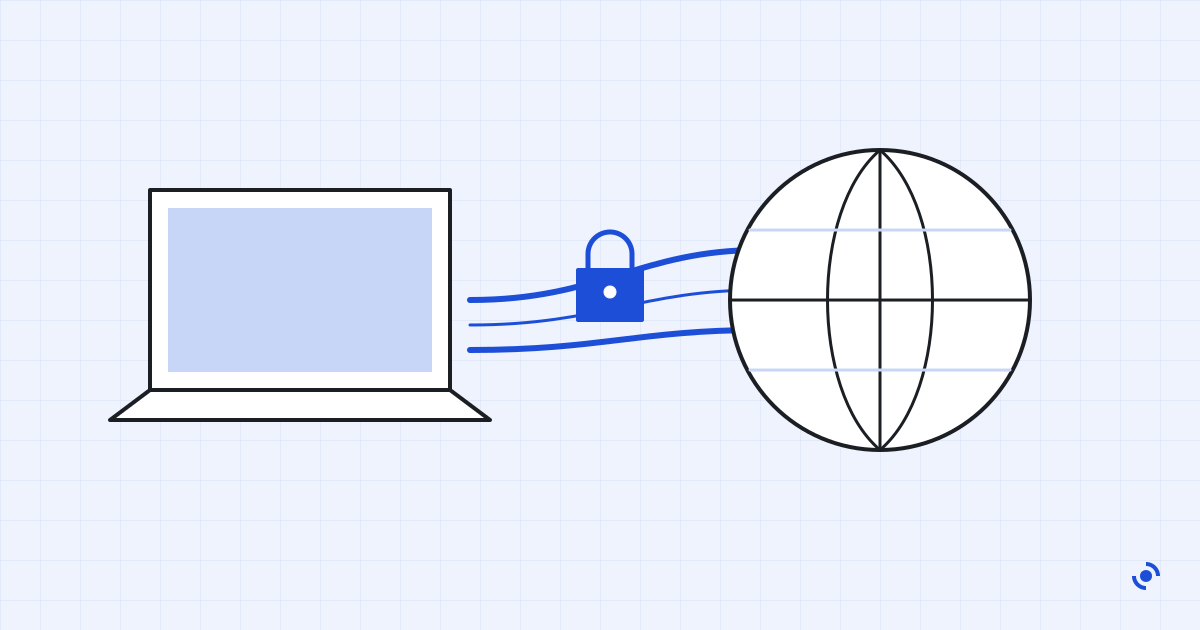
A VPN adds a second layer. Your device encrypts everything, sends it to the VPN server, and the server forwards it on. The café Wi-Fi and your internet provider see only a single encrypted connection to one server. The websites see the server's IP address.
That's it. There is no extra protection once the traffic leaves the VPN server, and the VPN company itself can see everything your internet provider used to see. You're moving trust from one company to another, which is why the company's track record matters more than any feature list.
When a VPN is worth it
We'd recommend one in three situations:
- You use public Wi-Fi regularly. Hotels, airports and cafés run networks you know nothing about. A VPN makes them irrelevant.
- You don't want your internet provider logging your browsing. In many countries providers can keep and share that history. A VPN hides it from them.
- You travel and need your home services. Banking apps and streaming libraries sometimes behave differently abroad. Connecting to a server at home usually fixes that.
If none of these apply, and you browse at home on your own router, a VPN adds cost and a small slowdown for very little benefit.
What a VPN won't do
This is where most marketing goes wrong. A VPN does not:
- Make you anonymous. Logging in to Google or Facebook identifies you whatever your IP address says.
- Block tracking cookies or fingerprinting. That's the job of your browser settings.
- Protect you from phishing, malware or a weak password. An antivirus and a password manager deal with those.
Some VPNs bundle ad blockers or "threat protection". They can help a little, but judge the VPN on the VPN.
How the four services compare
We compared specs, published pricing, audit reports and verified user reviews for each service, using the same checklist every time. The table below shows where they ended up.
| Service | Price per month | Devices | No-logs audit | Kill switch | Our score |
|---|---|---|---|---|---|
| Northgate VPNEditors' pick | $4.50 to $11 | 8 | Yes, 2026 | All apps | 8.7 |
| Kestrel VPN | $2.90 to $9 | Unlimited | Yes, 2024 | Desktop only | 8.1 |
| Harbor Secure | $5 to $12 | 6 | No | All apps | 7.2 |
| Lumen Free | Free, with ads | 1 | No | No | 5.4 |
Prices are the range between the longest and the monthly plan, in US dollars, before tax. Sample data for this design preview.
Northgate came out ahead mainly on speed and on trust: it published a readable audit this year, and its kill switch (which cuts your connection if the VPN drops, so nothing leaks) works on every app. Kestrel is the better deal if you'll sign up for two years and mostly use a laptop.
Northgate VPN in detail
Northgate VPN at a glance
- Protocols
- WireGuard, OpenVPN, IKEv2
- Apps
- Windows, macOS, iOS, Android, Linux
- Servers
- About 90 countries
- Simultaneous devices
- 8
- Kill switch
- Yes, on every app
- Split tunnelling
- Windows and Android
- Audit
- Independent no-logs audit, 2026
- Refund window
- 30 days
Setting it up takes about two minutes. The apps default to WireGuard, which is the fastest modern protocol, and the "connect on untrusted Wi-Fi" option is on by default on phones. That one setting is worth more than any server count.
What we like
- Rated fast on WireGuard in independent benchmarks, even on far-away servers
- Kill switch works on phones, not just laptops
- Audit report is public and readable
What to know
- Monthly price is high if you won't commit to a year
- No split tunnelling on iPhone or Mac
- Renewal price is higher than the first-year price
Free VPNs: when they're enough
A free VPN is fine for the occasional session at an airport, as long as it comes from a company that also sells a paid plan. That's how the free tier gets funded. Be wary of free VPNs with no paid option and a lot of ads: they need to make money from somewhere, and your browsing data is the obvious candidate.
Free tiers usually cap you at one device, a few servers and a monthly data allowance. For checking email on a train that's plenty. For everyday use it isn't.
How to choose
Ignore server counts and "military-grade encryption" claims: every serious VPN uses the same encryption. Look instead for:
- a recent independent audit of the no-logs policy, with the report public;
- WireGuard support, for speed;
- a kill switch on the devices you actually use;
- a refund window of at least 30 days, so you can test it on your own networks.
Then try it for a week on the Wi-Fi you normally use. If pages feel slower or an app you rely on breaks, ask for the refund. It's the only test that really counts.
Questions readers ask
Is using a VPN legal?
In the US, the UK and most of Europe, yes. A handful of countries restrict or ban them, so check before you travel. Using a VPN doesn't make an illegal activity legal.
Will a VPN slow down my internet?
A little. Encryption and the extra distance to the server cost some speed. With a good service and a nearby server you'll lose around 10 to 20 percent, which you won't notice while browsing or streaming.
Can my employer or school see what I do on a VPN?
If you use their device or their network with monitoring software installed, possibly yes. A VPN protects the connection, not a computer that someone else controls.
Do I need a VPN on my phone?
Only if you use public Wi-Fi often. On mobile data your traffic is already encrypted between the phone and the carrier.